Embed on your website
Put a form on your own site instead of sending people to a link. Answers still arrive on your board as new items. Embedding needs the Starter plan or above.
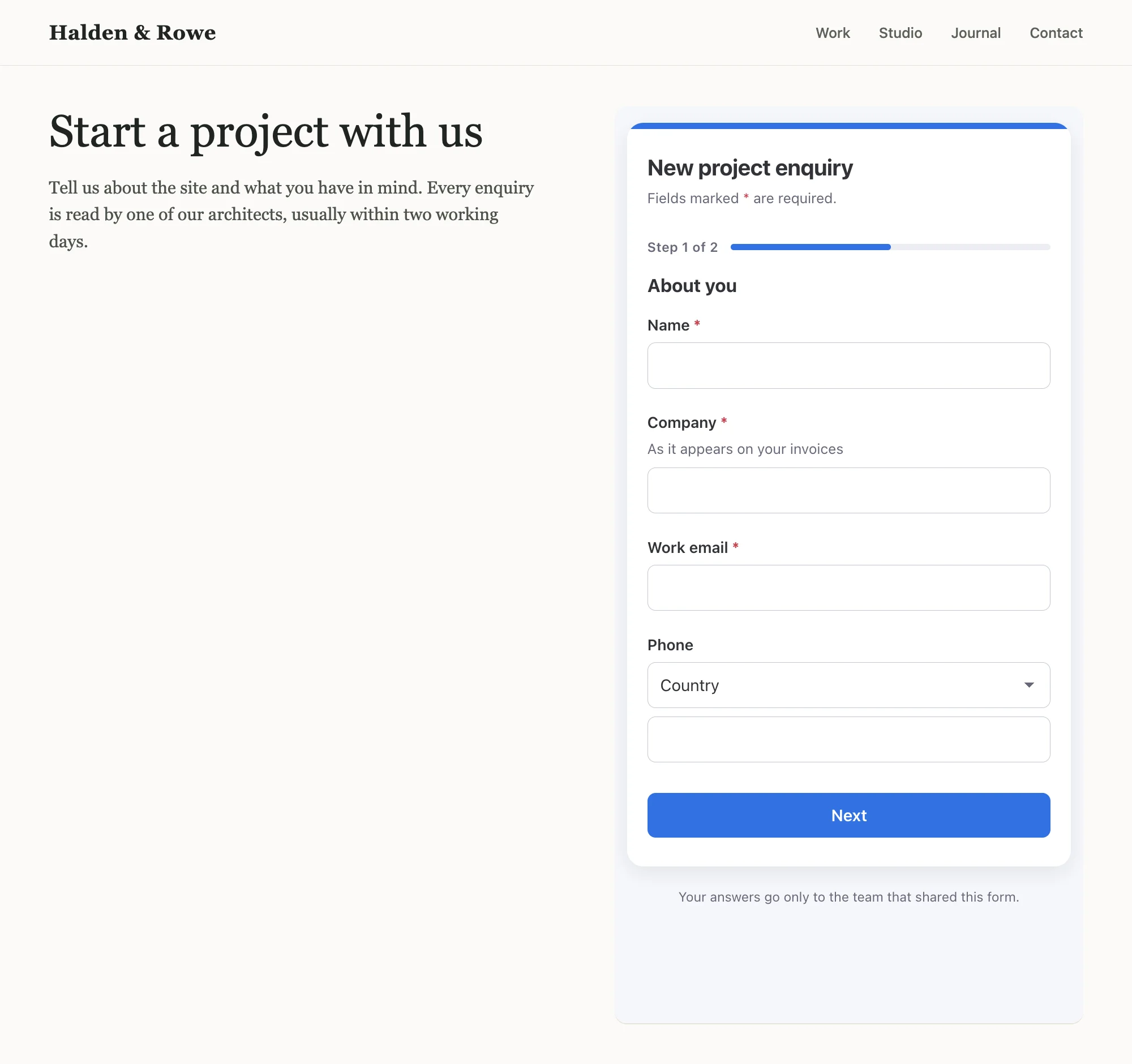
Allow your site
In the builder, open Settings → Embed on your website. Under Sites allowed to show this form, enter each
site's address, one per line, such as https://www.example.com. Up to 5 sites, https only, with no path. Save the
form.
Copy the embed code
In My forms, open the form's ⋯ menu and click Copy embed code.
Paste it into your page
Paste the code into your site's HTML where the form should appear. It's a frame plus a short script.
What the embed code does
- Sizes the frame to fit the form, so there's no inner scroll bar, even as steps change.
- Sends a "submitted" event to your page after a successful submission, so your own analytics can count it. The
code includes a commented spot for your tracking call, for example
gtag("event", "generate_lead"). - Follows your redirect: if the form sends people to a page after submitting, the whole window goes there, not just the frame (https addresses only).
The messages the form sends your page carry only the form's ID, its height and, after submitting, your redirect address. They never carry anyone's answers. Waypost adds no tracking of its own.
Only the sites you list can show the form in a frame. Anywhere else, the browser refuses to display it. The direct link keeps working everywhere.
If your plan changes
If your account moves below Starter, the saved sites stay in the form's settings but embedding is switched off: the form no longer appears inside other sites. You can remove the sites, but not add new ones, until you upgrade.