Your board, as a form anyone can fill in.Every answer lands as a new item.
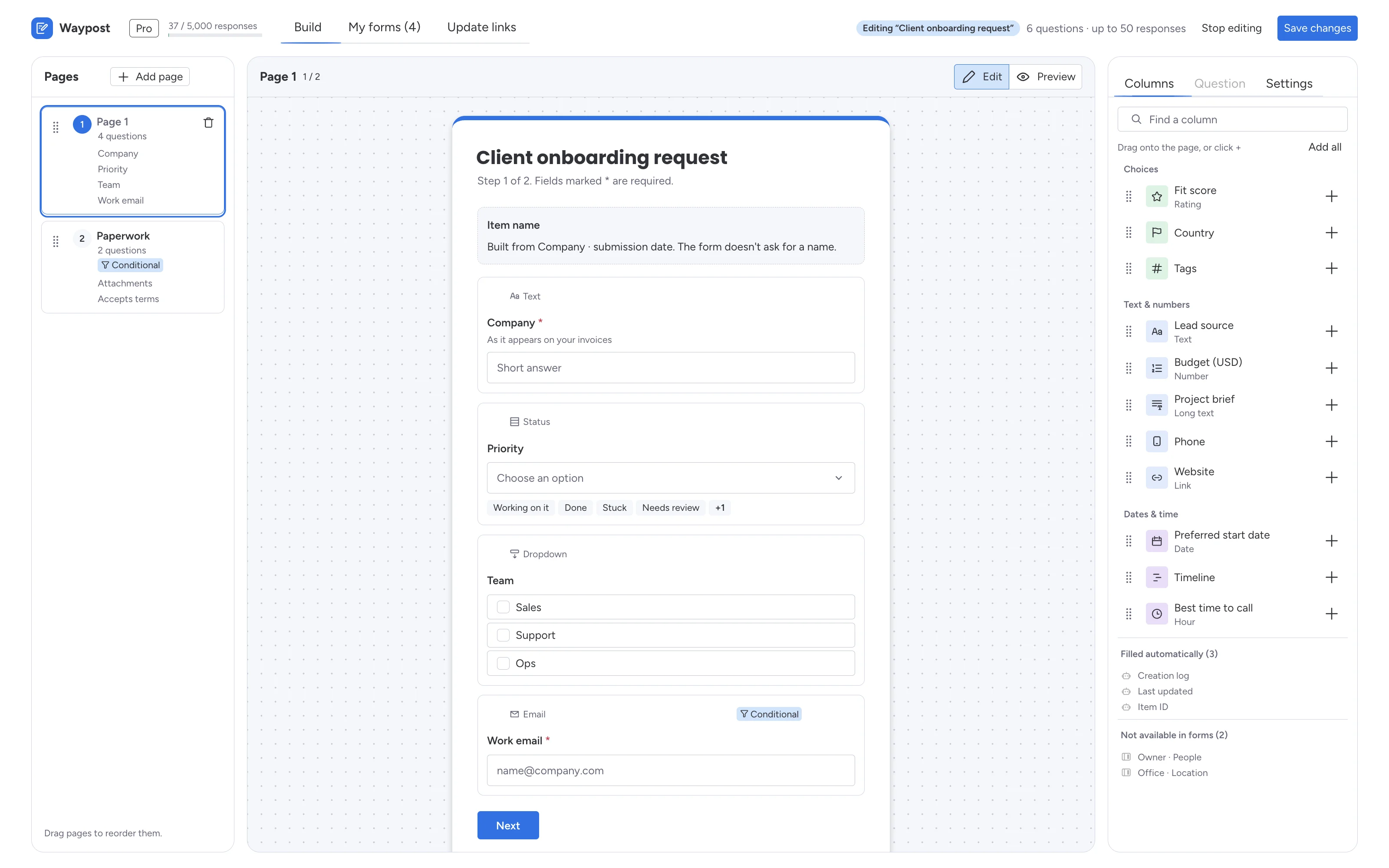
Pick the columns, share one link. When an item needs fixing later, send an update link instead of starting an email thread. Nobody needs a monday.com account to answer.
- 17
- question types, from phone and rating to signature
- 10
- titled steps per form, with a progress bar
- 5
- of your own websites can embed each form
- 0
- third-party scripts or trackers on the public form
How it works
One link in. One item out.
- 01
Add Waypost to a board
Click + next to the board’s views and choose Waypost. Connect your monday.com account once.
- 02
Pick the columns
Each column becomes a question. A Status column becomes a choice, a Date column a date picker.
- 03
Share one link
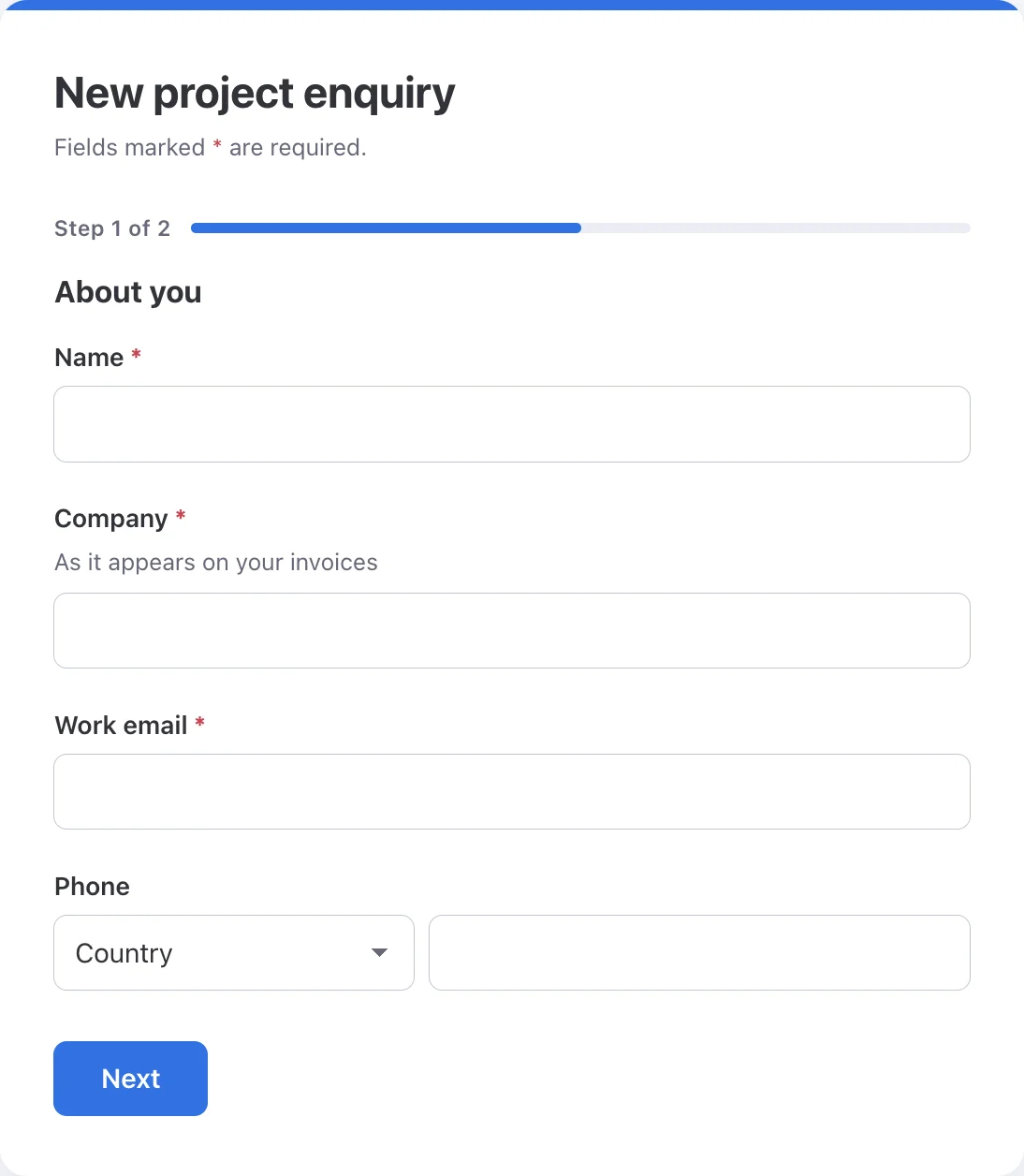
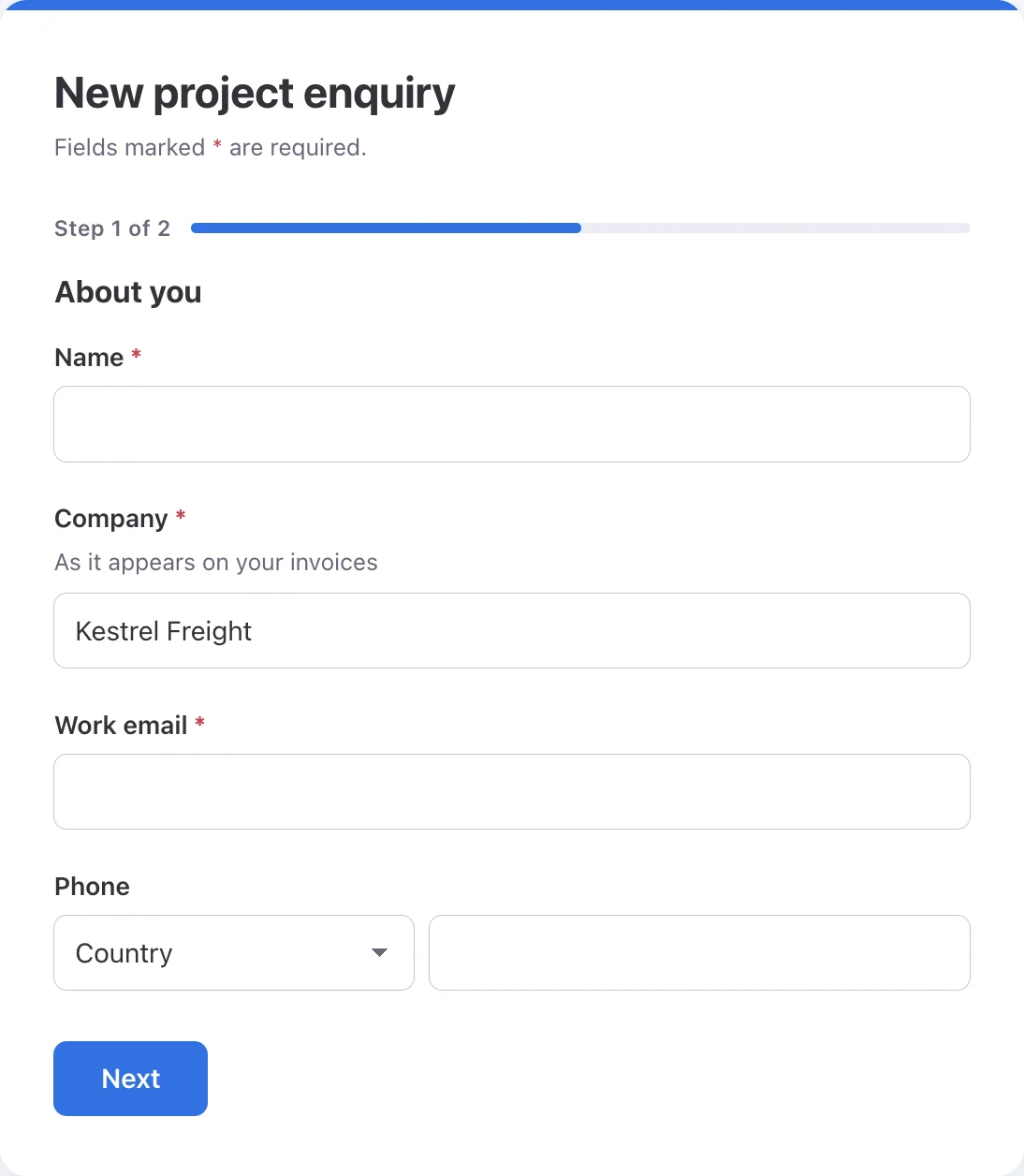
Every submission becomes a new item, with each answer in its own column.
Public form
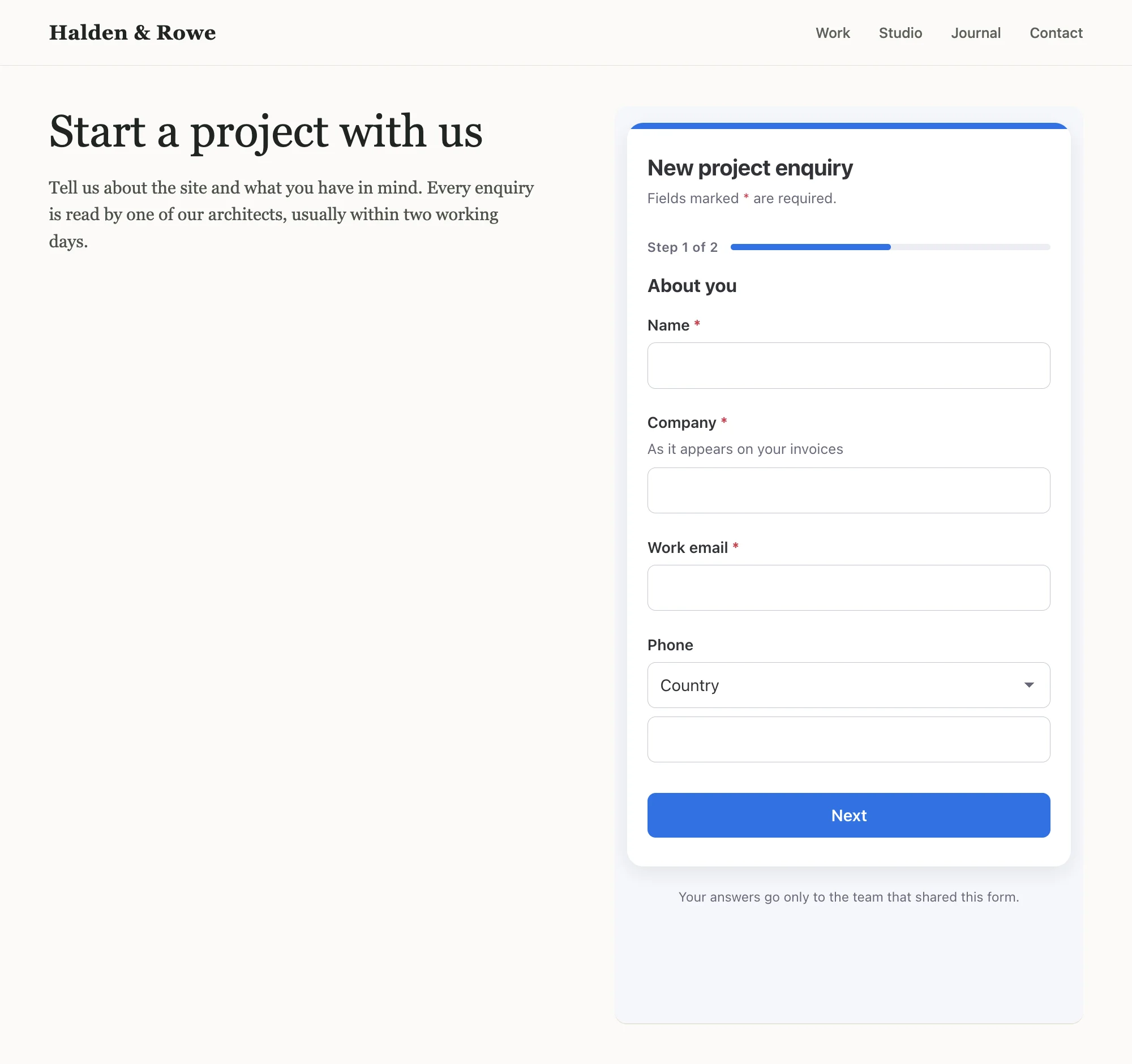
New project enquiry
Your board
- Client intake
- Event sign-ups
- Job applications
- Vendor onboarding
- Support requests
- Completing a client’s record
Features
Built from the board you already have. Your columns become the questions, so the form always fits.
Anyone can fill it in
Up to 10 steps with a progress bar. Files, signatures and 17 question types.
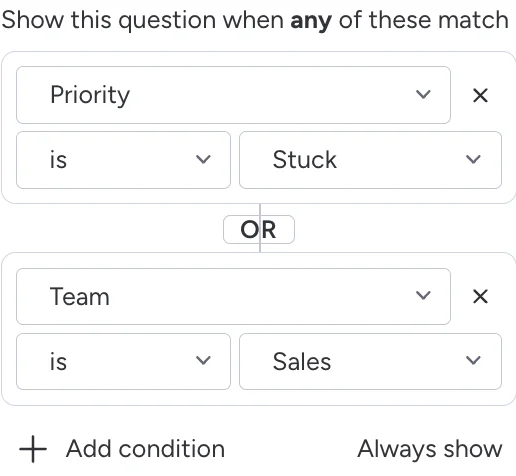
Ask only what matters
Show a question, or a whole step, only when earlier answers call for it.
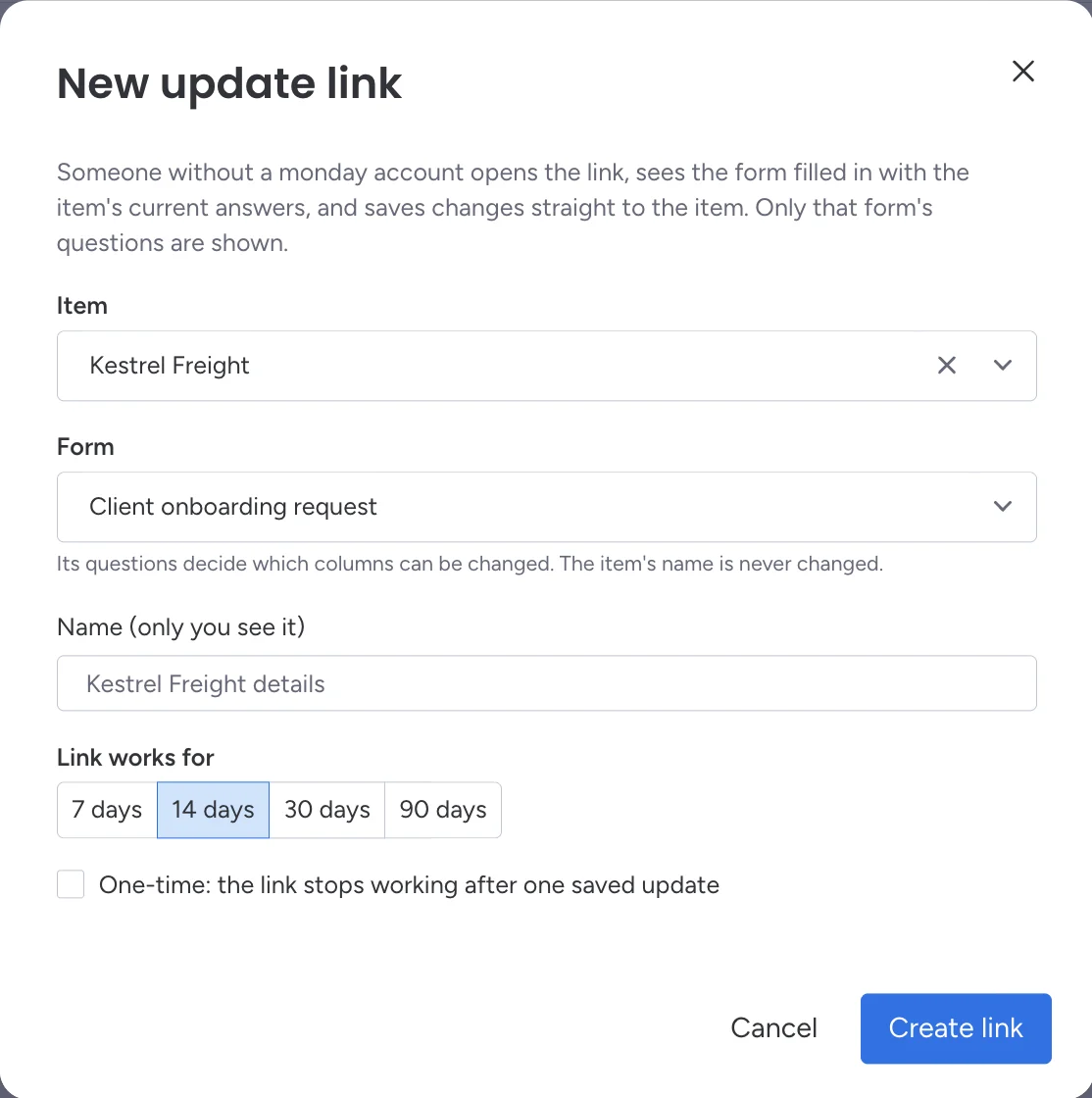
Update items you already havePro
Send a link to one item. They see it filled in and change only what’s needed.
Your form, on your websiteStarter
Embed it on up to 5 of your sites, with a “submitted” event for your own tracking.
Privacy
Your board, your access. Waypost keeps as little as it can.
What Waypost stores, and for how long- Your access, your boards
- Each form writes with its creator’s own monday.com access, so private boards work.
- Answers go straight to the board
- Waypost checks each answer and creates the item. It keeps no copy of submissions or files.
- A clean public page
- No third-party scripts, analytics or trackers. Signed links, rate limits and a spam trap.
- Gone when you uninstall
- Uninstalling deletes every form, link and setting Waypost stored for your account.
Plans
Start free. Grow into it. Billed through monday.com, on your monday.com account.
Free
100responses a month
Every question type, steps, logic and prefill. Forms show “Made with Waypost”.
Starter
1,000responses a month
No “Made with Waypost”. Embed forms on your website.
Pro14-day trial
5,000responses a month
Update links and dependent options. Every install starts here for 14 days.
Unlimited
Unlimitedresponses a month
Everything in Pro, fair use, with priority email support.
Prices are on the marketplace listing. What counts as a response
FAQ
Questions. More in the FAQ.
Do people need a monday.com account to fill in a form?
No. Anyone with the link can fill in a form or use an update link. Only the people building forms need monday.com.
Where do the answers go?
Each submission becomes a new item on the board the form was built from, with every answer in its own column. Waypost keeps no copy.
Can I change a form after sharing it?
Yes. Edit and save it any time. The link you shared keeps working and shows the changes straight away.
Does it work on private boards?
Yes. Waypost works on any board you can open, using your own monday.com access.